

Ecommerce Website Maintenance Checklist for UK Stores (2026): Keep Your Site Fast, Secure and Ready to Sell
Let’s be honest. Most UK ecommerce businesses treat website maintenance the same way they treat going to the dentist — they know they should do it regularly, but they only book the appointment when something starts hurting.
The problem? By the time a slow checkout or a broken product filter actually hurts, you’ve already lost sales. Real ones. In February 2026, online sales accounted for 28.2% of total retail in Great Britain. That means your website isn’t a nice-to-have — it’s your biggest member of staff, working 24 hours a day, 7 days a week, 365 days a year.
This checklist is written for UK store owners, ecommerce managers and marketers who need a practical, repeatable routine — not a 4,000-word technical manual that sits in a Google Doc and never gets actioned.
Work through it monthly, share it with your developer, or partner with a professional ecommerce maintenance team like Ecommerce Experts UK to handle it for you. And if you spot something that needs fixing, sort it before you spend another penny on ads.
Why Maintenance Actually Matters More in 2026
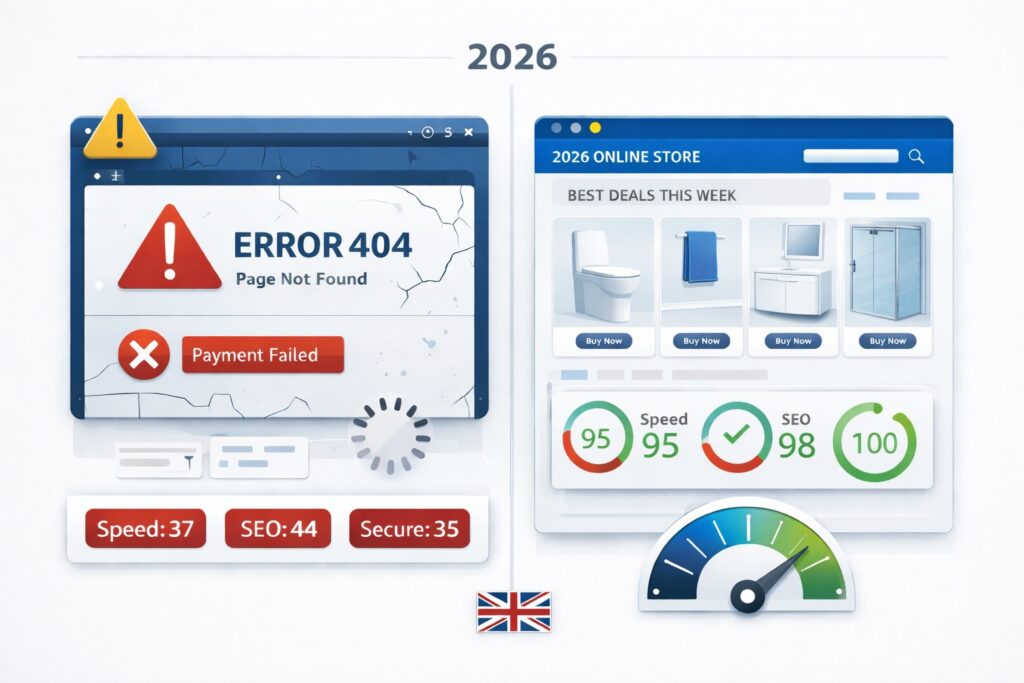
UK digital ad spend cracked £40bn in 2025 — and it’s still climbing. That means you’re competing in an environment where your rivals are paying serious money to get customers onto their site. Traffic is expensive. Losing that traffic to a clunky experience is just throwing money away.
Here’s what we see regularly when we audit UK ecommerce stores — issues that silently bleed revenue:
- A category page that loads in 6 seconds on mobile (industry benchmark is under 3)
- A checkout that throws a payment error on one browser but works fine on another
- Product filters that break after a theme update — customers simply can’t find what they need
- Discount codes that expired six months ago still sitting in email campaigns
- Order confirmation emails going to spam because an SMTP setting was changed and nobody noticed
None of these feel urgent until your conversion rate drops and you can’t figure out why. Maintenance prevents that.
Before You Start: Know What You’re Maintaining
You don’t need a complicated analytics setup for this. You just need five minutes and clarity. Before each monthly check, write down:
- Your top 5 landing pages by traffic
- Your top 10 best-selling products
- Your key customer journeys (search → category → product → basket → checkout)
- Any changes made in the last 30 days — new apps, theme edits, scripts, product imports
That last one is critical. Most performance issues and broken journeys we see are caused by recent changes. Know what changed, and you’ll find problems 10 times faster.
The Monthly Ecommerce Website Maintenance Checklist
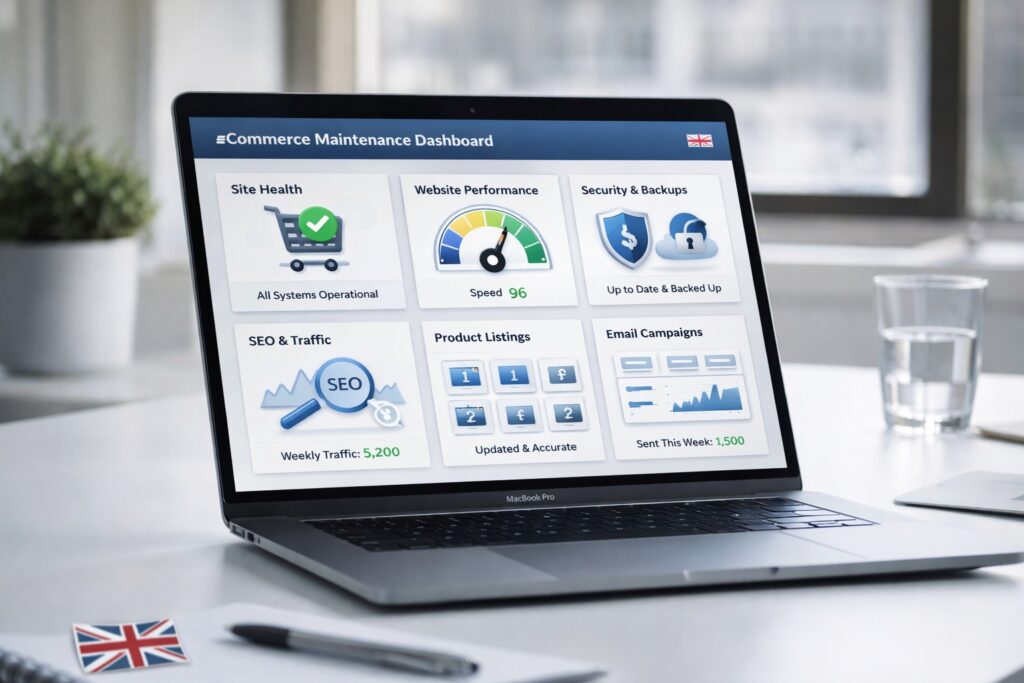
Block two to four hours once a month. Put it in the calendar like a board meeting — because for a revenue-generating ecommerce store, it basically is.
- Test Every Conversion-Critical Flow — As a Real Customer
Don’t rely on your team to spot issues. Open an incognito window, go to your homepage, and actually shop. If you don’t have time to handle this checklist internally, you can outsource it to a specialist ecommerce maintenance service.
- Search for a product — does it return relevant results?
- Browse a category — do filters and sorting work correctly?
- Add to basket — does it update instantly without errors?
- Apply a discount code — does it deduct correctly?
- Complete checkout with a card — does it go through cleanly?
- Check your order confirmation email — did it arrive, and does it look right?
If any of these fail, stop what you’re doing and fix it before you launch another campaign or send another email. Everything else on this list is secondary to a working checkout.
🇬🇧 UK Tip
Test your checkout with both a standard credit/debit card and Apple Pay or Google Pay. Over 60% of UK mobile shoppers use a digital wallet. If wallet payments break — which they often do after updates — you won’t see it in your standard checkout test.
- Check Speed — Especially on Mobile
Speed is a sales problem before it’s a technical one. A one-second delay in page load time can reduce conversions by up to 7%. For a store turning over £50,000 a month, that’s £3,500 in lost revenue — every month.
Many UK stores rely on ongoing technical SEO to monitor and improve speed performance, particularly Core Web Vitals and mobile loading speeds.
Focus your speed checks on the pages that matter most: homepage, top category pages, and your highest-traffic product templates. Watch for:
•Images that haven’t been compressed (the single biggest culprit on most UK stores)
•Third-party scripts loading slowly — live chat, review widgets, ad pixels
•Poor Core Web Vitals scores, particularly INP (Interaction to Next Paint) — this replaced FID in March 2024 and is now a confirmed ranking signal
Always test on mobile first. Over 70% of UK shoppers browse on their phones, and mobile performance is consistently worse than desktop on most stores we audit.
- Apply Updates, Remove Bloat, Verify Backups
This is the part nobody enjoys, but it’s what keeps your store online and your customer data safe.
- Update your platform core, theme, and all plugins or apps
- Remove anything you’re no longer actively using — unused apps slow your store even when they’re not running
- Run a test restore on your most recent backup — not just confirm a backup exists, but actually restore it in a staging environment
⚠️ Important
A backup that’s never been tested isn’t really a backup. We’ve seen UK store owners discover their restore process was broken at the worst possible time — during peak trading or after a security incident. Test restores quarterly at minimum.
- SEO Hygiene — Protect the Traffic You’ve Already Earned
Organic traffic is expensive to build and easy to lose if you’re not watching for common technical issues. Once a month, run a quick crawl and check for:
- Broken internal links and 404 pages — especially common after product discontinuations
- Missing or duplicate meta titles and descriptions on your key category and product pages
- Products that have been removed or renamed without proper 301 redirects in place
- Internal links pointing to your priority categories — these pass authority and support rankings
If you sell bathroom products and you’ve discontinued a particular range, make sure those URLs redirect to the nearest relevant category — not a 404. Every broken page is a lost ranking and a frustrated customer.Regular SEO audits are often handled through ongoing SEO services to prevent traffic loss.
- Product Data and Merchandising Sense Check
Good product data is your silent sales team. Poor product data is why customers abandon and return items.
- Are new products missing key attributes — dimensions, finish, compatibility, delivery lead times?
- Are product images properly compressed and named descriptively (not IMG_4892.jpg)?
- Do your category filters still match how your customers actually browse?
- Are any products sitting in the wrong category or missing from search results?
For bathroom and home stores in particular, customers need precise information to buy with confidence. Missing a finish option or a compatibility note often means a return, a complaint, or a lost sale to a competitor who listed it properly.
- Email and Tracking Health Check
Your transactional emails are your relationship with the customer after they’ve paid. If they break, trust breaks with them.
- Order confirmation — arrives promptly, looks correct, links work
- Dispatch notification — tracking link is live and accurate
- Abandoned basket — still firing correctly, discount codes valid if applicable
Also spot-check your key analytics events — particularly add-to-cart, begin-checkout and purchase — after any major update. Broken tracking means broken decisions. You can’t optimise what you can’t measure.
Quarterly Tasks: The Deeper Checks That Prevent Nasty Surprises
Deep Performance Clean-Up
- Remove old, unused tracking tags and scripts from your tag manager
- Trim unused CSS and JavaScript — these accumulate quietly over time and slow every page load
- Replace heavy banner images with next-gen formats like WebP
- Re-run Core Web Vitals on your top 10 pages and compare against last quarter
Shopify stores in particular benefit from quarterly app audits. Every app you install adds scripts to your storefront. We regularly audit UK Shopify stores and find 6 to 10 apps running scripts for tools that haven’t been actively used in months.
To give you a real example — we recently audited a UK bathroom retailer running on Shopify. They had installed 9 Shopify apps over the years — live chat tools, popup builders, loyalty programmes — that were no longer actively used but were still loading scripts on every single page of their store. Most store owners don’t realise this happens. When you stop using an app but don’t uninstall it properly, the scripts keep firing in the background on every page load, every single time a customer visits. Removing those 9 apps brought their Core Web Vitals score from failing to passing in a single afternoon — without touching a single product page or line of store code. The store sold bathroom products exactly as before. The only thing that changed was the invisible dead weight dragging every page down.
Technical SEO Safety Checks
- Validate canonical tags — especially on filtered and paginated category pages
- Check structured data with Google’s Rich Results Test — broken schema loses you rich snippets
- Review how Google is crawling your filter parameters — avoid index bloat from colour/size combinations
- Run your top categories through a crawl tool and fix any thin or duplicate content flags
Conversion and Trust Page Refresh
When was the last time you actually read your delivery and returns page? UK shoppers read these before buying, especially on higher-value purchases.
- Delivery timescales and Royal Mail or courier information — still accurate?
- Returns policy — compliant with UK Consumer Rights Act 2015?
- Payment trust badges — are the logos current and the SSL certificate valid?
- Contact options — phone, live chat, email — all still working and monitored?
Clarity on these pages reduces purchase hesitation. It’s free conversion rate optimisation that most stores neglect.
Platform-Specific Review
| Platform | Quarterly Focus Areas |
| Shopify | Theme governance, app script audit, checkout extensibility review, Shopify Payments reconciliation |
| WooCommerce | Hosting capacity check, database optimisation, caching rules, PHP version compatibility |
| Magento / Adobe Commerce | Extension compatibility, indexer performance, cron job health, server scaling review |
Red Flags: Stop Spending on Ads and Fix the Site First

Some issues are ‘nice to fix when we get round to it.’ Others mean you should pause your paid campaigns immediately and diagnose the problem. Escalate straight away if you see any of these:
🚨 Stop and Fix: Paid Traffic Rising, Conversion Rate Falling
This is the single most expensive mistake we see UK stores make. If more people are landing on a page but fewer are buying, the page is broken — not the audience. Running ads into a broken page is like filling a leaky bucket.
🚨 Stop and Fix: Spike in 404 Errors
A sudden jump in 404s usually means a product or category URL has changed without a redirect. You’re losing earned rankings and sending paid traffic to dead ends.
🚨 Stop and Fix: Checkout Errors or Missing Confirmation Emails
Any payment failure or missing order confirmation is a customer who has lost trust. Fix immediately and check whether any orders were lost — contact affected customers directly.
🚨 Stop and Fix: Slowdown After Adding an App or Script
New apps are the most common cause of performance regression on Shopify stores. If your Core Web Vitals scores drop after an install, remove or defer the script before it costs you rankings and conversions.
A Simple Maintenance Calendar You Can Actually Use
| Frequency | What to Do |
| Weekly | Check orders for anomalies. Scan search results for broken snippets. Test checkout on mobile once. |
| Monthly | Full checklist above. Document what changed and what was fixed. Keep a simple change log. |
| Quarterly | Deep technical review. One focused CRO improvement — clearer delivery messaging, better filters, faster images. |
| Annually | Full site MOT. Decide what you maintain, refactor or rebuild. Compliance and backup restore rehearsal. |
The change log matters more than most people realise. When something breaks six weeks after you made a change, having a record of exactly what happened on what date cuts your diagnosis time from days to minutes.
The Annual Ecommerce Site MOT
Platform and Roadmap Review
Once a year, be honest with yourself. Are you maintaining a site that still serves your business, or are you patching a platform that’s holding you back?
- If you’re on Shopify and constantly fighting against its limitations — is Magento or a headless solution the right move?
- If you’re on WooCommerce and hosting costs are rising with traffic — is it time to upgrade infrastructure or migrate?
- If checkout conversion is consistently below industry benchmarks despite good traffic — is the issue the platform or the experience?
An annual review prevents the slow drift where you invest in maintenance on a site that needs a rebuild. Sometimes the right call is to plan a migration rather than another year of patches.
Compliance and Resilience
- Review cookie consent implementation — ICO guidance has tightened, and fines for non-compliance are real
- Check GDPR data retention policies — are you still holding customer data longer than necessary?
- Run an accessibility audit — WCAG 2.2 compliance is increasingly expected for UK online retailers
- Rehearse a full disaster recovery — restore your site on staging from backup and time how long it takes
Don’t schedule your first restore rehearsal during peak trading season. If your backup process has a problem, you want to find out in February — not in the run-up to Christmas.
How to Brief Your Agency or Development Team
If you outsource maintenance — which many UK ecommerce businesses do — vague contracts lead to vague outcomes. Be specific about what you expect.
Ask for:
- A monthly change log with a summary of what was done and what risks were identified
- A fix list tied to your top pages and customer journeys — not just ‘general maintenance’
- A quarterly Core Web Vitals snapshot showing progress over time
- Clear scope on platform coverage — Shopify, WooCommerce, or Magento each require different expertise
Share this checklist with whoever is delivering your maintenance. If they can’t account for each section, ask why — and decide whether you have the right partner.
💬 From the Ecommerce Experts UK Team
We work exclusively with UK ecommerce businesses — particularly in the bathroom, heating and home sectors. Every maintenance package we deliver is built around this checklist. If you’d like us to run a free audit of your store against these criteria, get in touch at ecommerceexpertsuk.com/contact — no obligation, just clarity on where your site stands.
Frequently Asked Questions
How long should monthly ecommerce maintenance take?
For most UK SMEs, the monthly checklist takes between two and four hours, plus additional time for any fixes. If you’re finding it takes significantly longer, that’s usually a sign that issues have been allowed to accumulate — which is precisely what a regular routine prevents.
What’s the difference between maintenance and optimisation?
Maintenance keeps your store secure, functional and compliant. Optimisation improves it — better speed scores, higher conversion rates, stronger SEO performance. You need both, but maintenance comes first. You can’t optimise a broken store.
How do Core Web Vitals affect my Google rankings?
Core Web Vitals are real-user experience signals that Google uses as a ranking factor. When two pages have similar content quality, the one with better Core Web Vitals scores will typically rank higher. INP (Interaction to Next Paint) is the metric to watch in 2026 — it measures how quickly your site responds to user interactions like clicking a filter or adding to basket.
What should Shopify maintenance include specifically?
Theme and app updates, speed and script audits, product data checks, end-to-end checkout testing, and a review of Shopify Payments settings and payout schedules. Quarterly, add an app audit — remove anything you’re not actively using and check the impact on page load times.
When should I bring in an agency for maintenance?
If your store generates meaningful revenue and you can’t confidently test, monitor and fix issues within a day of them appearing, a monthly maintenance retainer is almost always cheaper than the cost of lost sales. For a store turning over £10,000 a month, a single day of checkout errors could cost more than a month of professional maintenance.
About the Author
Ecommerce Experts UK — Senior Ecommerce Strategy Team
Our team has spent 7+ years working hands-on with UK ecommerce businesses — from independent bathroom retailers to multi-brand home and heating stores. We manage, maintain and grow online stores across Shopify, WooCommerce and Magento, with a particular focus on the UK market and the specific challenges UK store owners face. This guide is built from real experience, not theory.
Get in touch: ecommerceexpertsuk.com/contact
James Carter is a Senior Ecommerce Strategist at Ecommerce Experts UK, with 7 years of hands-on experience helping UK online retailers build faster, more profitable stores. He specialises in Shopify, WooCommerce and Magento - with a particular focus on the UK bathroom, heating and home sectors. James works with UK store owners on everything from website maintenance and technical SEO to platform migrations and site speed — helping them protect revenue, improve rankings and fix the issues that silently cost sales every single day.